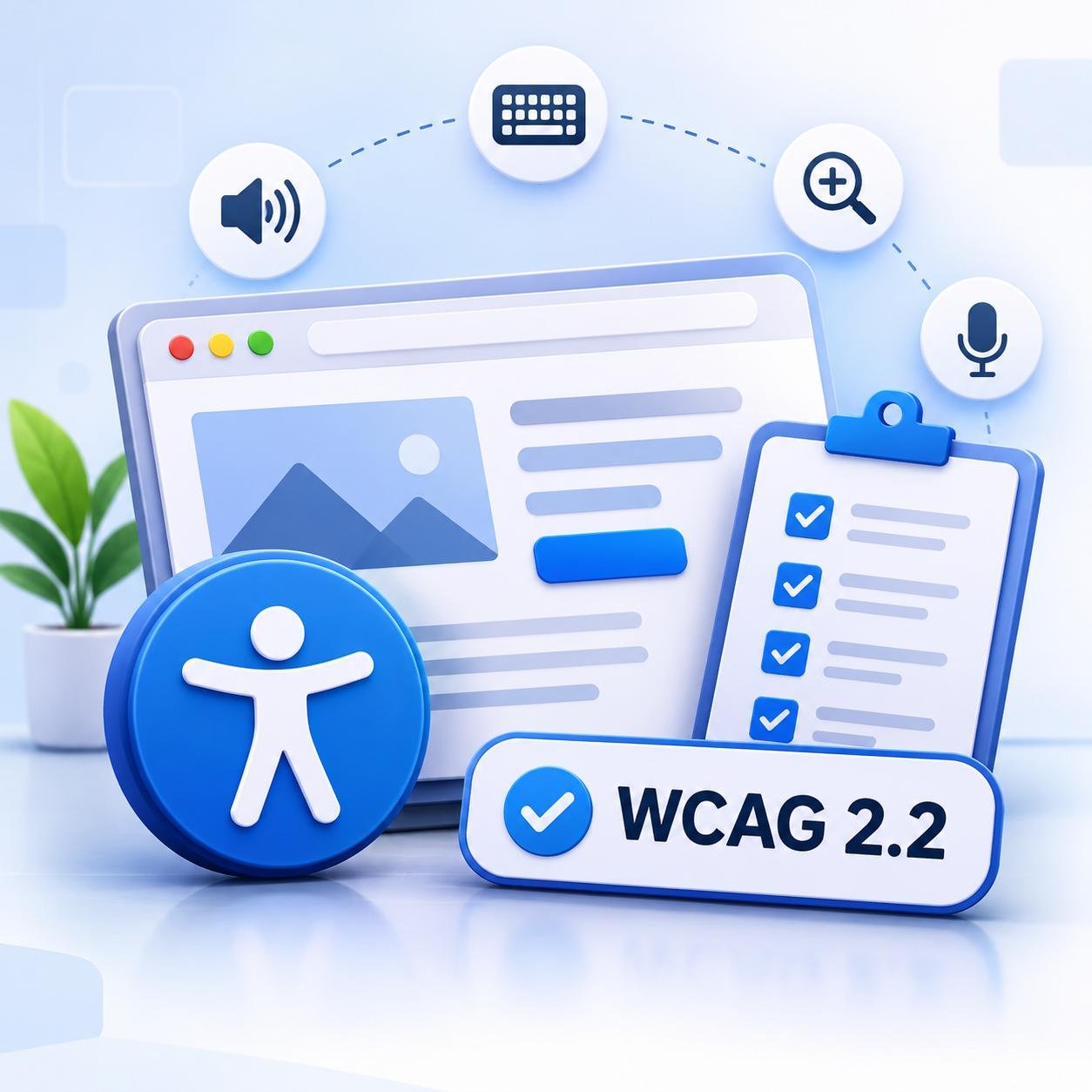
Short answer: In the UK there is no single private-sector law that says your website must meet WCAG. But the Equality Act 2010 requires service providers, private as well as public, to make reasonable adjustments so disabled people can use their services, and that covers websites and apps. Public sector bodies have more specific rules. In practice, WCAG 2.2 level AA is the sensible benchmark for any UK business website.
This guide explains what the law says in plain English, what reasonable adjustments can look like online, where UK business websites usually go wrong and how to build a sensible plan. It is general information, not legal advice.
Does the Equality Act 2010 apply to my website?
For most businesses, yes. According to Scope’s business guidance on UK law and digital accessibility, the Act covers private and public sector organisations, applies to websites, apps and documents such as PDFs, and treats an inaccessible website or online service as discrimination. Anyone who believes a UK service provider has discriminated against them can bring a claim in the UK courts, and the Equality and Human Rights Commission (EHRC) can also take legal action.
The same guidance notes that no specific private-sector web accessibility regulation exists at present and that there have been no UK web accessibility court cases to date, although some companies have settled out of court. Treat that as a reason to act early, not as permission to wait. A government could introduce a specific rule later, and customers who cannot use your site are lost enquiries today.
Reasonable adjustments and the anticipatory duty
Two ideas sit at the centre of the Act:
- Reasonable adjustments: steps that remove or reduce the barriers disabled people face when using your service. Disabled people should never be charged for them.
- The anticipatory duty: you cannot wait until a disabled person fails to use your website before fixing it. Providers are expected to think ahead about what users need and, where that has not been done, make adjustments as soon as possible.
If an organisation argues that an adjustment would be a disproportionate burden, Scope’s guidance says an assessment must be carried out. Whatever your situation, keep a written record of what you reviewed, what you fixed and what you decided, and why.
Public sector or private business: what is the difference?
| Question | Public sector bodies | Private businesses |
|---|---|---|
| Main rule | Public Sector Bodies Accessibility Regulations 2018 | The general duty in the Equality Act 2010 |
| Standard named | WCAG 2.1 level AA | None named in law, so WCAG is the usual benchmark |
| Equality Act applies? | Yes | Yes |
| Accessibility statement | Required | Good practice |
| Enforcement | EHRC can investigate and take court action | Claims can be brought in the UK courts, and the EHRC can also take action |
Why WCAG 2.2 AA is the practical benchmark
The public sector rules use WCAG 2.1 AA. Private businesses are not told which standard to use, but WCAG gives you something concrete to design, test and document against. WCAG 2.2 became a W3C Recommendation on 5 October 2023 and builds on 2.1, keeping its criteria essentially unchanged. The only removal is the obsolete 4.1.1 Parsing criterion. Aiming for 2.2 AA is therefore a safe way to aim at or above the level the public sector is held to.
Four new WCAG 2.2 requirements matter especially for small business sites:
- Target Size (Minimum): buttons and links are at least 24 by 24 CSS pixels, or properly spaced.
- Redundant Entry: people are not asked to retype details they have already given in the same process, which matters for quote and booking forms.
- Accessible Authentication (Minimum): logging in does not rely on memory or puzzle-solving alone, so allow pasting and password managers.
- Consistent Help: your contact or help option appears in the same place on every page.
Six places UK business websites usually trip up
WebAIM’s 2026 analysis of one million home pages found detectable WCAG 2 failures on 95.9% of them, so you are unlikely to be the only one with work to do. These are the areas we would check first on a typical UK business site:
- Cookie banners. The banner must work with a keyboard and a screen reader, the accept and reject choices must be clearly labelled, and keyboard focus must not disappear behind the banner.
- Enquiry and contact forms. Missing labels, unclear error messages and puzzle-style CAPTCHAs with no alternative are the common culprits.
- PDFs and downloads. Brochures, menus and policy documents are covered too. Where you can, publish the key information as a web page and keep PDFs readable and properly structured.
- Videos. Videos need accurate captions, and audio needs a transcript.
- Pop-ups and chat widgets. They should be reachable and closable by keyboard, and they must not hide the content or the element someone has focused.
- Booking, checkout and login journeys. This is where redundant entry, tiny buttons and authentication barriers lose you customers.
What an accessibility statement is for
An accessibility statement tells visitors how accessible your site is, what the known problems are and how to get help or report a barrier. Public sector bodies must publish one. For a private business it is good practice, and Scope’s guidance says an inaccessible online service should have a statement explaining how to complain. A useful statement includes:
- the standard you are working towards, such as WCAG 2.2 AA;
- what is accessible and any known issues, with your plan to fix them;
- how to contact you, with at least an email address and a phone number;
- the date the statement and your site were last reviewed.
Selling to customers in the EU?
If you sell to consumers in EU countries, the European Accessibility Act may also be relevant. It applies to services provided to consumers after 28 June 2025 and covers e-commerce services. Micro-enterprises that provide services are exempt, meaning organisations with fewer than 10 people that are also below a set turnover or balance sheet limit. Whether the Act applies to a UK business selling into the EU depends on your circumstances, so take legal advice before assuming either way.
A five-step accessibility plan for a UK business
- Audit the key journeys. Check your home page, main service pages, contact or booking form, checkout or login and your most-used PDFs.
- Fix the high-impact issues first. Start with contrast, alt text, form labels, empty links and buttons, keyboard access and focus visibility.
- Test with real tools. Use the keyboard only, zoom to 200%, run an automated scan and try a screen reader. Where you can, involve disabled users.
- Publish an accessibility statement and a way to get help. A phone number and email address give people a route to ask for help. They are a safety net, not a substitute for fixing barriers you already know about.
- Build checks into your routine. New pages, plugins and redesigns can break accessibility, so add a quick check to your regular website maintenance.
If you are redesigning, build accessibility into the brief from day one. Our guides to responsive web design, improving conversions with UI and UX design and finding the right digital agency will help you plan.
Website accessibility UK: FAQ
Is my small business website legally required to be accessible in the UK?
The Equality Act 2010 duty applies to private as well as public organisations, and websites and apps are covered. What counts as a reasonable adjustment depends on your circumstances, so take legal advice for your situation.
Is WCAG legally required for private UK websites?
According to Scope, no specific private-sector web accessibility regulation exists at present. WCAG 2.2 AA is, however, a widely used benchmark for showing that you have taken sensible steps.
Can an accessibility plugin or overlay make my site compliant?
Automated tools can find and fix some issues, but a clean automated report does not guarantee an accessible website. Combine tools with manual testing, and fix the underlying design and code.
Do PDFs and documents need to be accessible too?
Scope’s guidance says the Equality Act covers documents such as PDFs as well as websites and apps. Publish key information as a web page where you can, and make sure any PDF is readable and properly structured.
Does an accessible website help SEO?
It overlaps with good practice. Clear headings, descriptive links, alt text and page titles help people and search engines, and they support your local SEO work. Accessibility is not a ranking switch.
How much will an accessibility audit or fix cost?
It depends on the size and build of your website, how many issues an audit finds and whether design changes are needed. Every project is different, so contact us for a quote. You can also read what shapes a quote in our UK website design guide.
Talk to Technilizer about an accessible website
Technilizer designs and builds business websites for UK companies with usability, speed and search visibility in mind. If you would like help auditing your current site or building accessibility into a new one, explore our web designing service or contact us for a quote.